Pantheon Support & Site Management: A Complete Guide
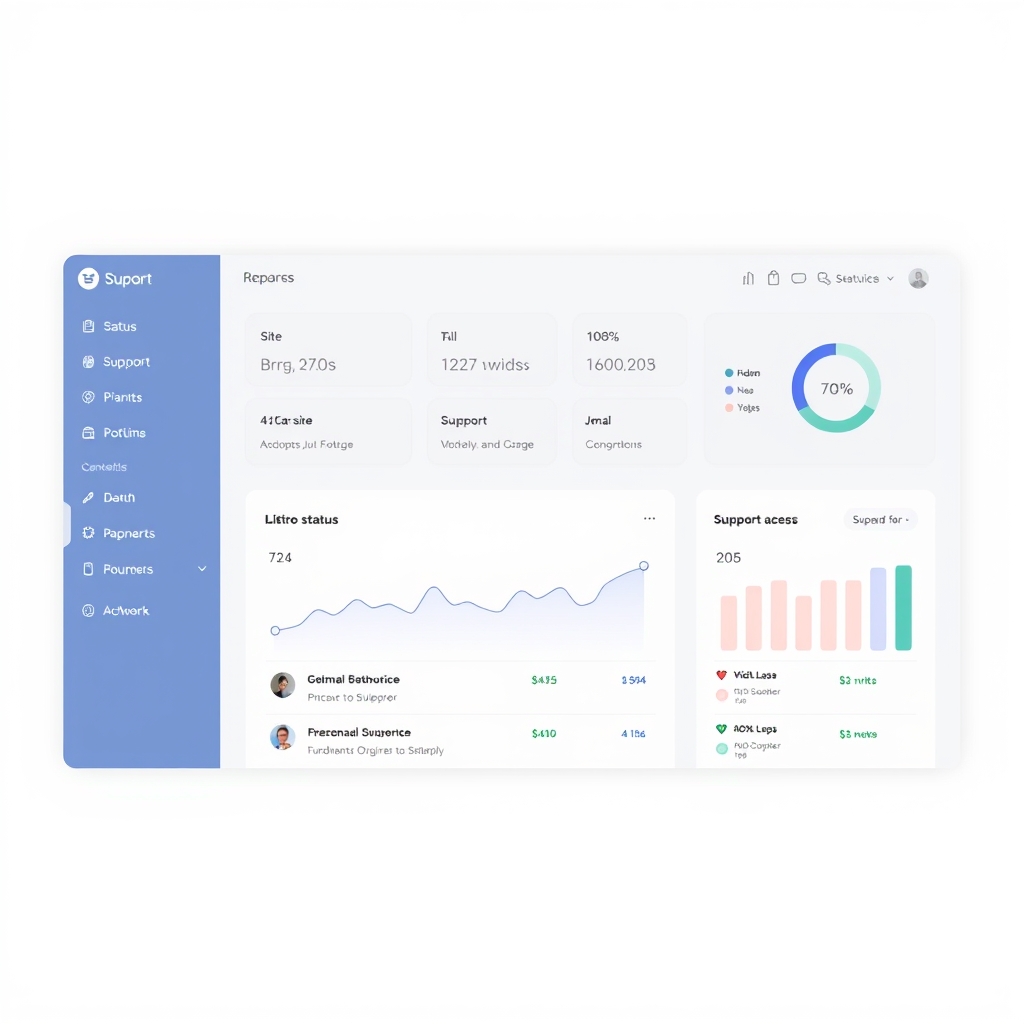
Pantheon Support & Site Management: A Complete Guide Introduction Pantheon has established itself as a premier hosting and management platform for Drupal and WordPress websites, combining enterprise‑grade infrastructure with intuitive tools. For organizations that rely on their online presence, understanding the breadth of Pantheon support and site management capabilities is essential. This guide walks through the available support tiers, the features of the management dashboard, and practical strategies for maintaining a secure, high‑performance site. Whether you are a solo developer or part of a larger team, the insights here will help you maximize the value of the Pantheon ecosystem.
Understanding Pantheon Support Options Pantheon structures its support offerings to meet a range of operational needs. The entry‑level plan provides access to a comprehensive knowledge base and community forums, where users can search for solutions posted by other administrators. For teams that require faster response times, the Pro tier introduces priority ticket handling and direct email support during standard business hours. At the highest level, Enterprise customers receive a dedicated account manager, 24/7 phone support, and custom service level agreements that guarantee response and resolution windows.
Each tier also includes varying degrees of proactive monitoring, with Enterprise offering real‑time alerting for critical issues. Accessing Pantheon Support When an issue arises, locate the support link in the Pantheon dashboard. Clicking it opens a ticketing interface where you describe the problem, attach logs, and specify the affected environment. The system routes the request to the appropriate team based on severity and your plan's services. Besides ticketing, Pantheon offers live chat for urgent matters on Pro and Enterprise plans, plus a searchable documentation repository with step‑by‑step guides.
Many users also value the community forum for peer advice when troubleshooting configuration quirks. The Site Management Dashboard The dashboard is the central hub for site‑related activities. After logging in, you see an overview with status of each environment, recent deployment activity, and key performance metrics. The environments view lets you switch between development, staging, and production instances, making code promotion simple with a few clicks. A built‑in deployment tool automates pushing commits, running database updates, and clearing caches, reducing human error risk.
The dashboard also offers quick access to user management, where administrators assign roles and permissions to team members. Monitoring and Maintenance Continuous monitoring is a cornerstone of Pantheon’s service model. The platform collects data on uptime, response time, and resource utilization, displaying trends in an interactive graph. Administrators can set custom thresholds that trigger email or SMS alerts when metrics deviate from expected ranges. Scheduled maintenance tasks, such as core software updates and security patches, are handled automatically according to a configurable window, minimizing downtime.
For sites that require manual intervention, the dashboard offers a maintenance mode that displays a customizable message to visitors while work is performed. Security and Backups Protecting data is a top priority, and Pantheon provides multiple layers of safeguards. Daily backups are performed automatically for each environment, with retention policies that can be adjusted based on your recovery objectives. Restoring from a backup is a straightforward process; you select the desired snapshot and confirm the action, after which the system reinstalls the site files and database.
In addition to backups, Pantheon applies security patches promptly and supports two‑factor authentication for user accounts. The platform also offers a web application firewall that filters malicious traffic before it reaches your site. Many industries operate under strict data protection regulations, and Pantheon helps meet these obligations. The platform generates detailed audit logs that record user logins, configuration changes, and file modifications, providing a clear trail for compliance reviews. These logs can be exported in standard formats for analysis by internal or external auditors.
Additionally, Pantheon supports IP address whitelisting, allowing administrators to restrict access to specific networks, which is particularly useful for safeguarding development and staging environments from unauthorized access. Performance Optimization To ensure fast load times, Pantheon integrates several performance features. A global content delivery network (CDN) caches static assets at edge locations, reducing latency for visitors worldwide. The database layer includes automatic query optimization and indexing suggestions, which can be reviewed in the performance tab. For sites with heavy traffic, the platform allows vertical scaling of resources, such as increasing CPU or memory allocation.
Developers can also leverage built‑in caching mechanisms, like Redis or Memcached, and configure browser cache headers to further improve responsiveness. Collaborating with Teams Pantheon is designed to support collaborative workflows, especially for agencies and large organizations. Role‑based access control lets administrators define who can deploy code, modify configurations, or view analytics. The platform integrates with Git, enabling teams to push branches, create pull requests, and merge changes directly from their version control system. Additionally, Pantheon supports CI/CD pipelines, where automated tests can run before a deployment is approved. This ensures that only vetted code reaches the production environment.
Extensibility and Integration Pantheon offers a flexible foundation tailored to project needs. Developers can edit PHP configuration files to adjust memory limits, max execution time, and other runtime parameters, ensuring smooth performance for resource‑intensive applications. For Drupal sites, the Pantheon module provides automated database updates, environment synchronization, and simplified backup management. WordPress users benefit from the Pantheon plugin, which streamlines core updates, offers granular user role control, and integrates with popular caching solutions. Additionally, Pantheon's RESTful API enables teams to interact with site data programmatically, supporting custom reporting or integration with external monitoring tools.
Best Practices for Pantheon Site Management Adopting a disciplined approach to site management can prevent many common issues. First, establish a regular backup schedule and verify that restores work correctly on a staging environment. Second, monitor performance metrics weekly and investigate any anomalies early, before they affect users. Third, keep all modules, themes, and core components up to date, testing updates in a non‑production environment first. Fourth, document your deployment process and share it with the team to maintain consistency. Finally, review user permissions periodically to ensure that only necessary individuals have administrative access.
Conclusion Pantheon offers a comprehensive suite of support and site management tools that cater to a wide variety of web projects. By understanding the available support tiers, leveraging the dashboard’s capabilities, and following proven best practices, organizations can maintain reliable, secure, and performant websites. The combination of automated maintenance, robust security features, and collaborative workflows makes Pantheon a strong choice for teams seeking to streamline their online operations.