Mastering Custom Drupal Theme Development: A Practical Guide
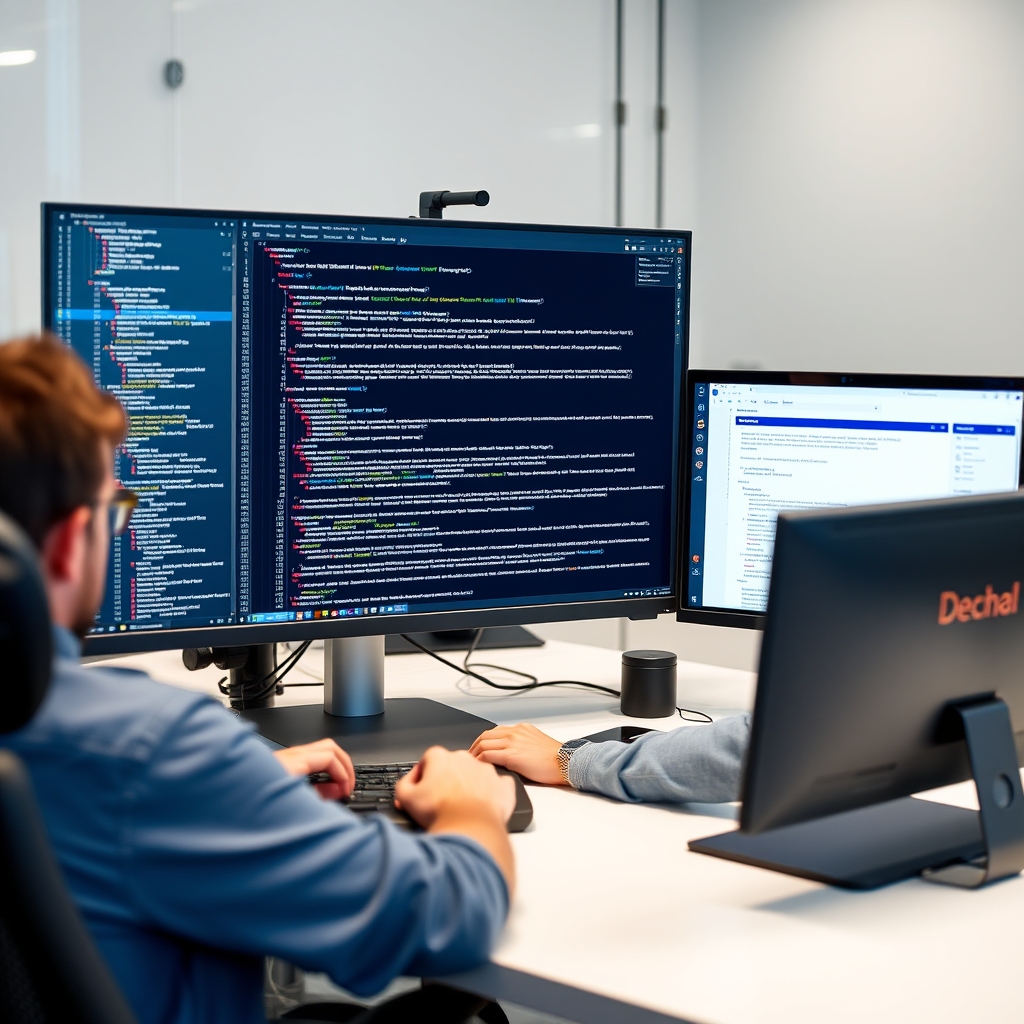
Custom Drupal theme development allows you to create a unique visual identity for your website while ensuring optimal performance and user experience. Unlike using pre-built themes, developing a custom theme gives you full control over every aspect of the design and functionality. This guide will walk you through the essential steps and best practices for building a custom Drupal theme from the ground up. Understanding Drupal Theme Architecture The Drupal theme system is based on a layered architecture that separates presentation from logic.
At its core, a theme consists of a .info.yml file that defines metadata, along with templates, CSS, JavaScript, and images. Drupal uses a template engine called Twig, which allows developers to control the HTML output precisely. Understanding how themes interact with modules and the core system is crucial for creating maintainable and extensible designs. Key Files and Directories A typical custom theme includes several essential files and directories. The .info.yml file is required and contains information like the theme name, version, and dependencies. The templates directory holds Twig files that render page content.
Libraries can be defined in a libraries.yml file to manage CSS and JavaScript assets. Additional folders like css, js, and images store static files. Organizing these elements properly ensures a clean structure and easy maintenance. Setting Up Your Development Environment Before writing code, prepare a local development environment. Install Drupal using a tool like Drush or Composer, and set up a local web server such as Apache or Nginx. Version control with Git is essential for tracking changes and collaborating. Additionally, enable the Devel module for debugging, and use a code editor like VS Code with Drupal-specific extensions.
A properly configured environment streamlines development and reduces errors. Building the Theme from Scratch Now, create your custom theme by generating the necessary files. Start by writing the .info.yml file, which declares the theme name, type, and any libraries it depends on. Next, define libraries in libraries.yml to include custom CSS and JavaScript. Then, create Twig templates to override default HTML output. Begin with a simple base template and gradually add complexity as needed. Creating the .info.yml File The .info.yml file is the foundation of your theme. It must include at least the name and type.
For example, you might specify name: My Custom Theme and type: theme. Additional fields like description, version, and core_version_requirement provide metadata. If your theme depends on modules, list them under dependencies. A well-structured info file helps Drupal recognize and manage your theme correctly. Defining Libraries and Assets Use the libraries.yml file to declare CSS and JavaScript libraries. Each entry can include both local and CDN assets. For instance, you might define a library that includes your main.css and main.js files. Then, attach these libraries to your theme in the .info.yml file.
This approach ensures that assets are loaded only when needed, improving page load times and maintainability. Implementing Custom Templates Twig templates control the HTML structure of your site. Start by creating a basic page.html.twig file that wraps content in a simple layout. You can then create node templates for specific content types, or field templates for individual fields. Use Twig variables and filters to output dynamic content. As your theme grows, organize templates into subdirectories for better organization. Leveraging Drupal's Template System Drupal provides a powerful template suggestion system that allows you to override existing templates without modifying core code.
By implementing hook_theme_suggestions_alter in a custom module, you can add or modify template suggestions. This enables you to create targeted templates for specific pages, content types, or regions. Understanding this system is key to building flexible and reusable themes. Ensuring Accessibility and Responsive Design A custom theme must be accessible to all users, including those with disabilities. Use semantic HTML elements, provide alternative text for images, and ensure sufficient color contrast. Implement ARIA attributes where necessary to enhance navigation for screen readers. Responsive design ensures your site looks good on any device, from desktops to smartphones.
Optimizing Performance Performance is critical for user retention and SEO. Drupal can aggregate and minify CSS and JavaScript files, reducing file size and load times. Enable caching mechanisms like page caching and object caching. Additionally, optimize images by compressing them and using modern formats like WebP. These steps ensure your theme loads quickly even on slow connections. Asset Aggregation and Minification Drupal's built-in asset aggregation combines multiple CSS and JavaScript files into a single file, reducing HTTP requests. Minification removes unnecessary characters like whitespace and comments. You can configure these settings in the performance section of the admin UI.
For advanced users, tools like Webpack or Gulp can further optimize assets during the build process. Caching Strategies Effective caching improves response times and reduces server load. Drupal offers several caching layers, including page, block, and menu caching. Use the Cache API to store expensive computations. Configure cache expiration based on content frequency. Regularly clear caches during development to see changes reflected immediately. Testing and Debugging Thorough testing ensures your theme works correctly across different scenarios. Use the Devel module to inspect variables, execute PHP code, and view theme hook suggestions. Browser developer tools help debug CSS and JavaScript issues.
Test on multiple browsers and devices to catch inconsistencies early. Using Devel and Web Developer Tools The Devel module provides a wealth of debugging features, such as a variable dump and a theme debug mode. Enable the web developer toolbar for quick access to performance metrics and cache information. These tools help identify bottlenecks and ensure your theme meets quality standards. Cross-Browser Testing Different browsers may render your theme differently. Use tools like BrowserStack or VirtualBox to test on various platforms. Pay attention to CSS properties that might not be supported in older versions.
Ensuring consistent behavior across browsers provides a seamless user experience. Conclusion Building a custom Drupal theme is a rewarding process that combines design, development, and performance optimization. By following the steps outlined in this guide, you can create a theme that is both visually appealing and technically sound. Remember to prioritize accessibility, responsiveness, and efficiency throughout development. With practice, you'll be able to craft themes that meet the unique needs of any project.