Drupal Cloud Migration: A Comprehensive Guide
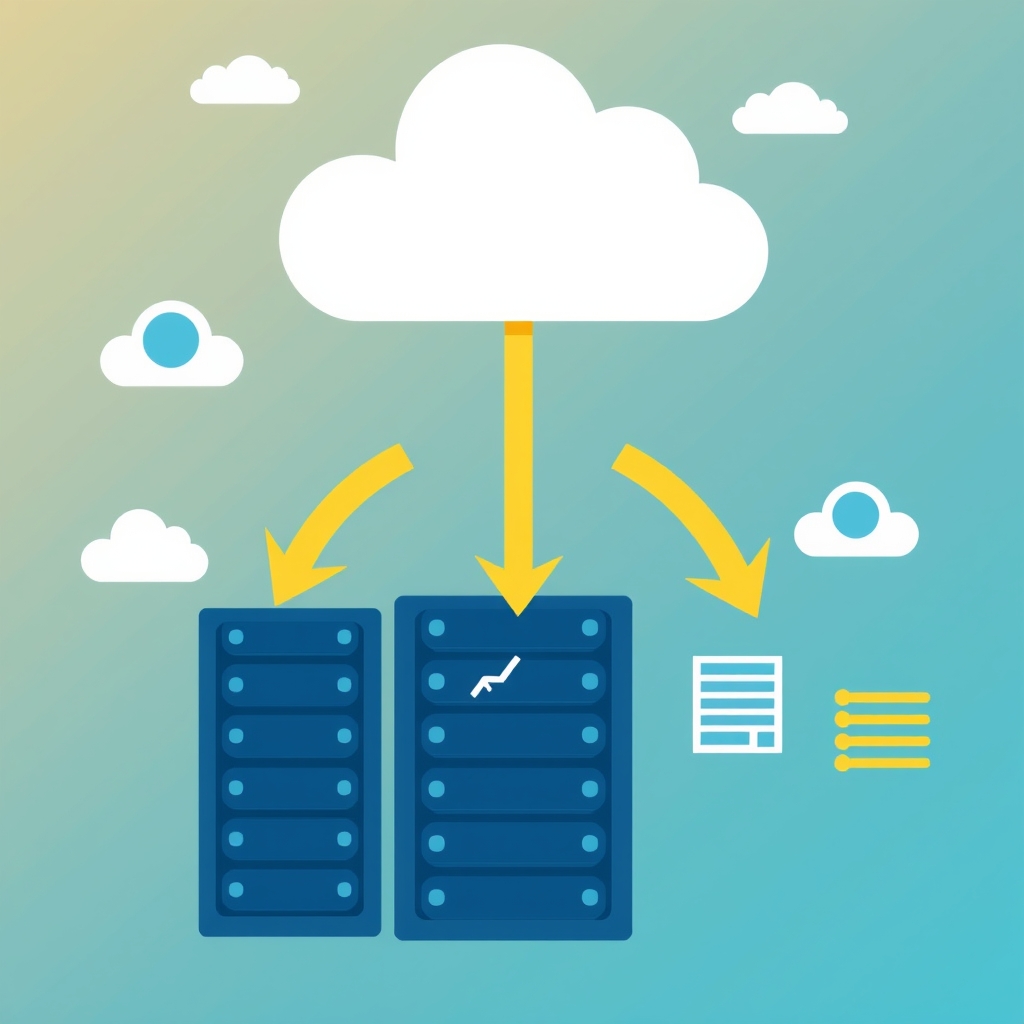
Introduction Moving a Drupal site to the cloud can unlock scalability, reliability, and cost efficiencies that are difficult to achieve with on‑premise hardware. However, the migration process involves multiple technical and strategic considerations. This article provides a structured approach to Drupal cloud migration, covering planning, execution, and post‑migration optimization. Understanding the interplay between your existing Drupal architecture and the target cloud environment is essential for minimizing downtime and preserving data integrity. By following a clear roadmap, organizations can transition smoothly while leveraging the cloud's elastic resources.
What Is Drupal Cloud Migration Drupal cloud migration refers to the process of transferring a Drupal‑based website or application from a traditional on‑premise server or shared hosting environment to a cloud‑based infrastructure. This can involve moving the database, file system, and any custom modules to virtual machines, containers, or platform‑as‑a‑service offerings provided by public or private cloud providers. The goal is to achieve greater flexibility, improved performance, and easier scaling while maintaining the site's functionality and security. Why Consider Cloud Migration Organizations choose to migrate Drupal to the cloud for several compelling reasons.
Cloud platforms provide on‑demand resources, which allow traffic spikes to be handled without over‑provisioning. Additionally, pay‑as‑you‑go pricing models reduce capital expenditures and align costs with actual usage. Enhanced disaster recovery options and global content delivery networks also contribute to higher availability and faster response times for end users. Furthermore, cloud providers often include managed services for databases and caching, which can simplify operations and free up IT staff for strategic tasks. Key Benefits The primary benefits of moving Drupal to the cloud include scalability, cost efficiency, and improved reliability.
Scalability allows the infrastructure to automatically adjust resources based on demand, ensuring consistent performance during peak periods. Cost efficiency stems from reduced hardware maintenance and the ability to pay only for the compute power consumed. Reliability is enhanced through redundant storage, automated backups, and built‑in failover mechanisms that minimize downtime. These advantages collectively support a more resilient online presence and enable rapid iteration of features. Potential Challenges Despite its advantages, Drupal cloud migration presents several challenges that must be addressed. Data security and compliance requirements may necessitate specific configurations or the use of private cloud solutions.
Application compatibility can be an issue if custom modules rely on server‑specific extensions or libraries. Additionally, network latency and bandwidth constraints can affect performance during the transition phase, and unexpected costs may arise from data egress or resource over‑utilization. Planning for these obstacles early helps ensure a smoother migration and reduces the risk of service disruption. Planning the Migration A successful migration begins with a thorough assessment of the current Drupal installation. This involves inventorying all modules, themes, and custom code, as well as documenting database schemas and file storage locations.
Creating a detailed migration plan that outlines timelines, responsibilities, and rollback procedures provides a framework for executing the transition while minimizing impact on users. Engaging stakeholders from development, operations, and security teams ensures that all perspectives are considered and potential risks are identified early. Assessing Your Current Environment The assessment phase should include performance benchmarking, security auditing, and dependency mapping. By measuring response times, error rates, and resource utilization, you can establish a baseline that will be used to compare post‑migration performance.
Identifying third‑party services and external APIs that the site relies on helps to anticipate integration challenges in the new environment. Documenting these findings in a comprehensive report facilitates informed decision making throughout the migration process. Choosing the Right Cloud Provider Selecting a cloud provider involves evaluating factors such as geographic region, service offerings, pricing models, and compliance certifications. For Drupal workloads, providers that offer managed database services, object storage, and auto‑scaling groups can simplify operations. It is also important to verify that the provider supports the required PHP version and any necessary extensions for Drupal modules.
Comparing service level agreements ensures that uptime guarantees align with business continuity requirements. Data Migration Strategy Data migration typically involves exporting the Drupal database and file system, then importing them into the cloud environment. Using tools such as Drupal’s built‑in database dump or third‑party migration plugins can streamline this process. It is advisable to perform a test migration in a staging environment to validate data integrity and identify any schema discrepancies before proceeding to production. Encrypting data in transit and at rest helps maintain security throughout the migration.
Application Refactoring Some Drupal modules may require adjustments to function optimally in a cloud context. For instance, modules that rely on local file paths should be reconfigured to use cloud storage services. Additionally, leveraging containerization technologies such as Docker can package the application with its dependencies, ensuring consistent behavior across different environments. Refactoring also provides an opportunity to update deprecated code and improve performance. Testing and Validation Comprehensive testing is essential to verify that the migrated site functions correctly and meets performance expectations. Unit tests, integration tests, and user acceptance testing should be executed in the staging environment.
Monitoring tools can capture metrics such as response time, error rates, and resource utilization, allowing for comparison against baseline measurements. Any discrepancies identified during this phase should be addressed before cutover to avoid impacting end users. Cutover and Go-Live The cutover phase involves switching traffic from the old environment to the new cloud instance. This typically requires updating DNS records, configuring load balancers, and ensuring that SSL certificates are properly installed. A staged rollout, such as redirecting a subset of traffic, can help validate stability before a full switch.
Having a rollback plan ready provides a safety net in case issues arise during the transition. Post-Migration Optimization After the site is live in the cloud, ongoing optimization ensures that performance and cost remain aligned with business goals. Implementing caching layers, such as Redis or Memcached, can reduce database load. Autoscaling policies should be tuned based on observed traffic patterns to avoid unnecessary expenditure while maintaining responsiveness. Regularly reviewing cloud usage reports helps identify opportunities for further cost savings. Best Practices Adhering to established best practices can significantly improve migration outcomes.
These include automating repetitive tasks with scripts, maintaining version control for configuration changes, and documenting each step of the process. Security hardening measures, such as restricting SSH access and applying the principle of least privilege, should be applied early. Collaborating with cloud provider support teams can provide valuable insights and accelerate troubleshooting. Conclusion In summary, Drupal cloud migration offers a pathway to enhanced scalability, cost efficiency, and operational resilience. By following a structured approach that includes thorough planning, careful provider selection, and rigorous testing, organizations can achieve a smooth transition with minimal disruption.
Continuous optimization after go‑live ensures that the investment delivers ongoing value and aligns with evolving business needs. Embracing cloud technologies positions Drupal sites to adapt quickly to future growth and changing market demands.